
What’s New in MusicHarbor for iOS, iPadOS, and macOS 27
This release makes keeping up with music more effortless, with news summaries in the user’s native language, richer Home Screen widgets, and new ways to discover artists through physical albums. Beautifully redesigned Liquid Glass pages and adaptable windows make exploring music feel at home on every screen.

Liquid Glass
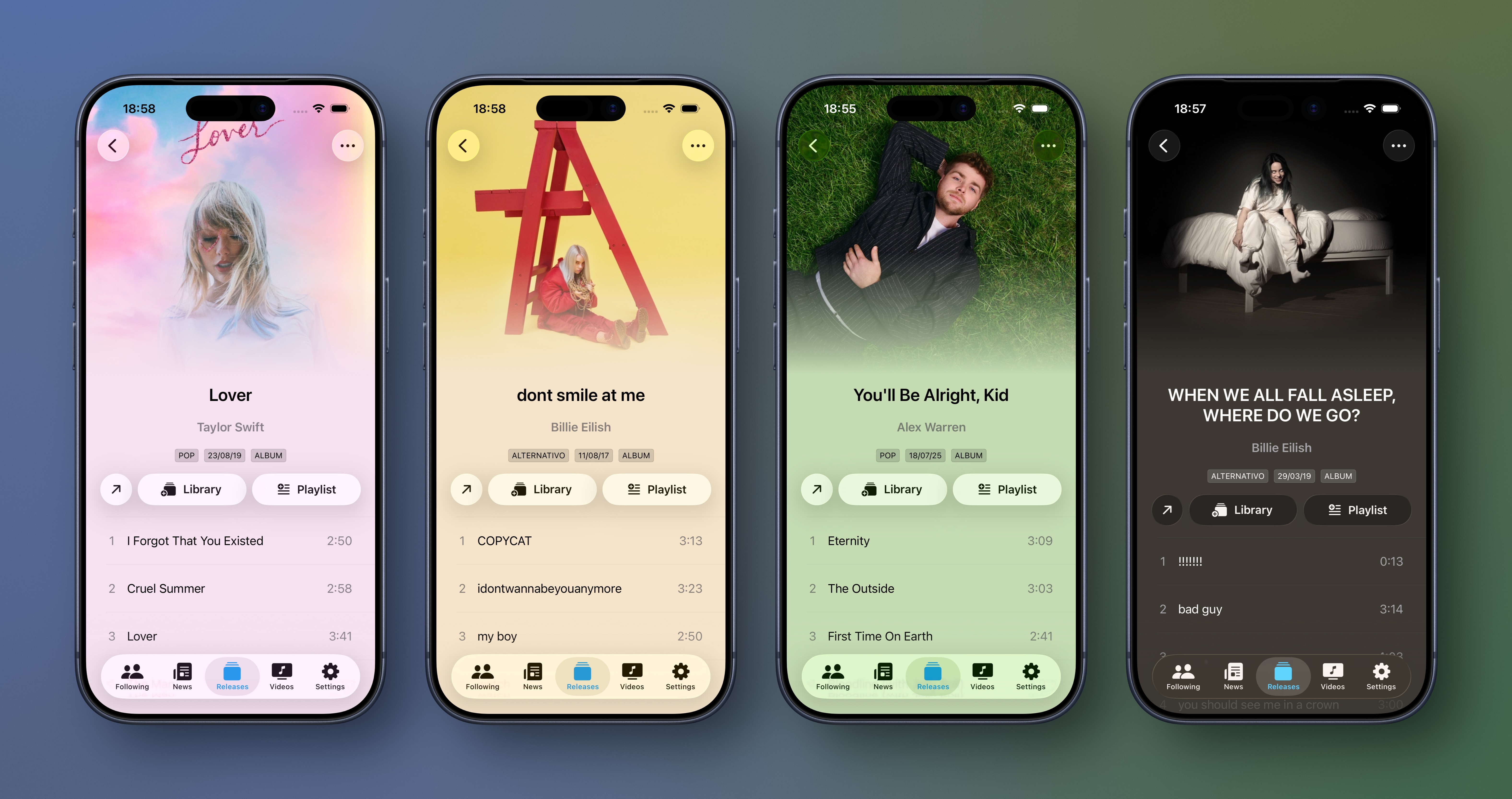
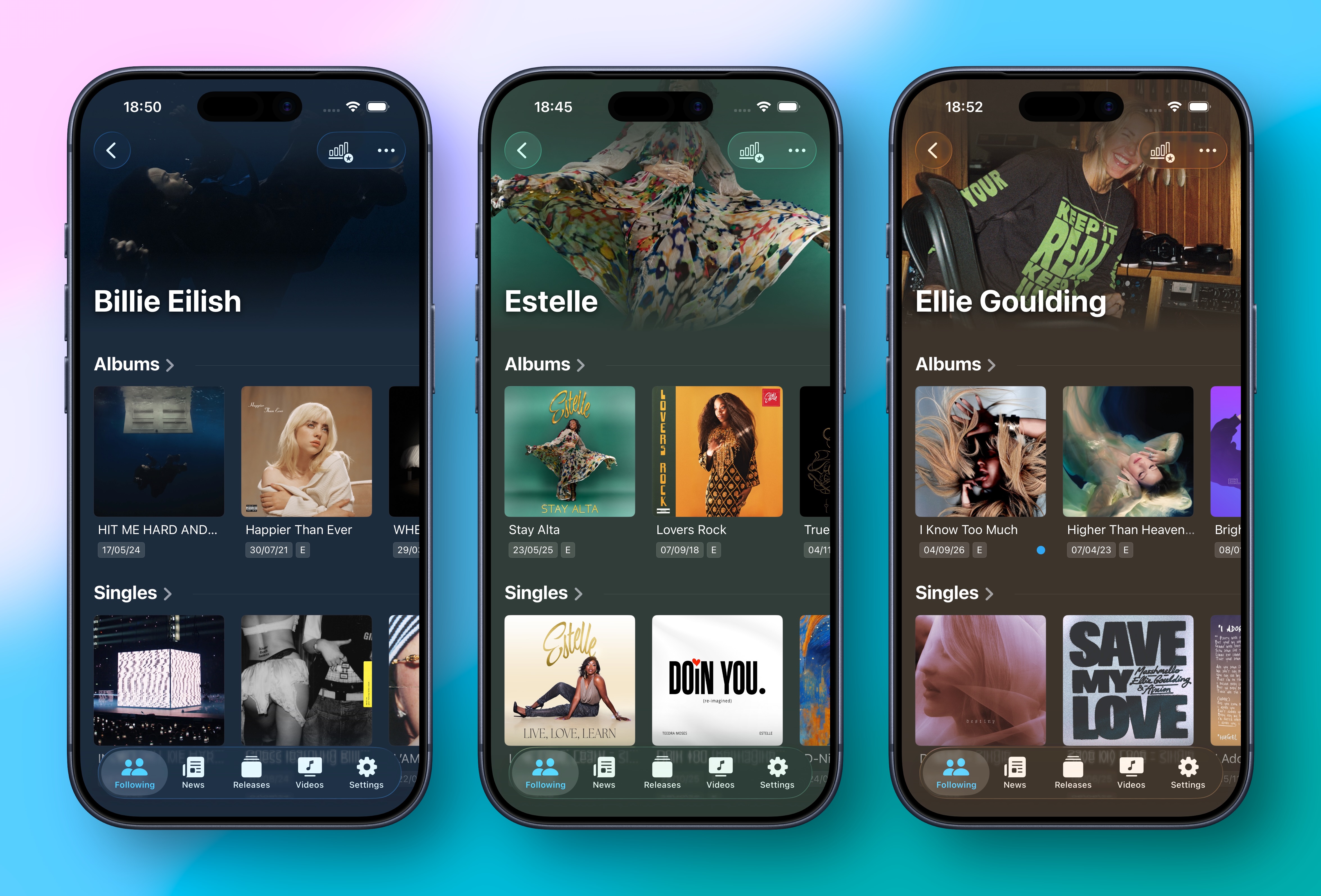
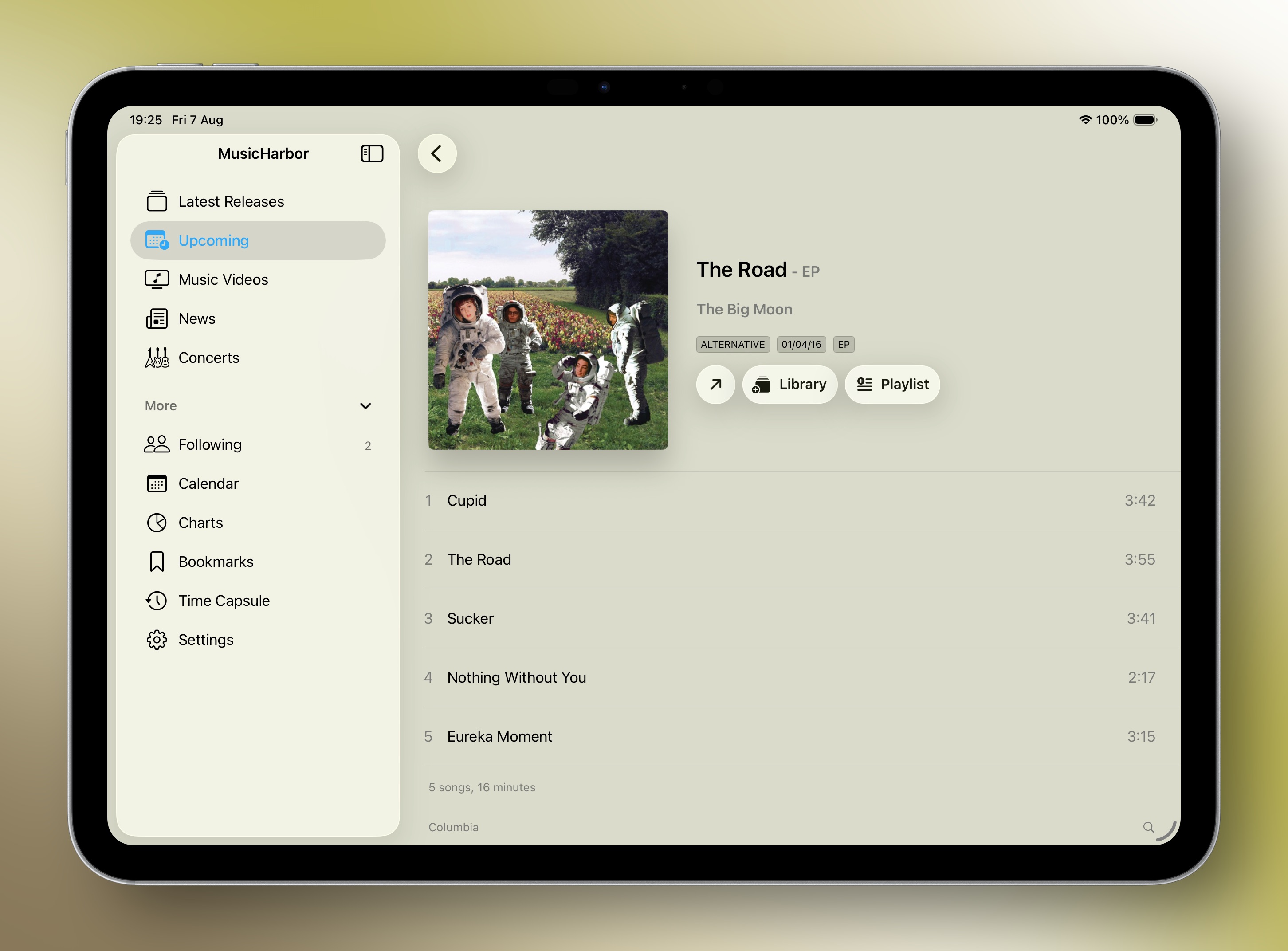
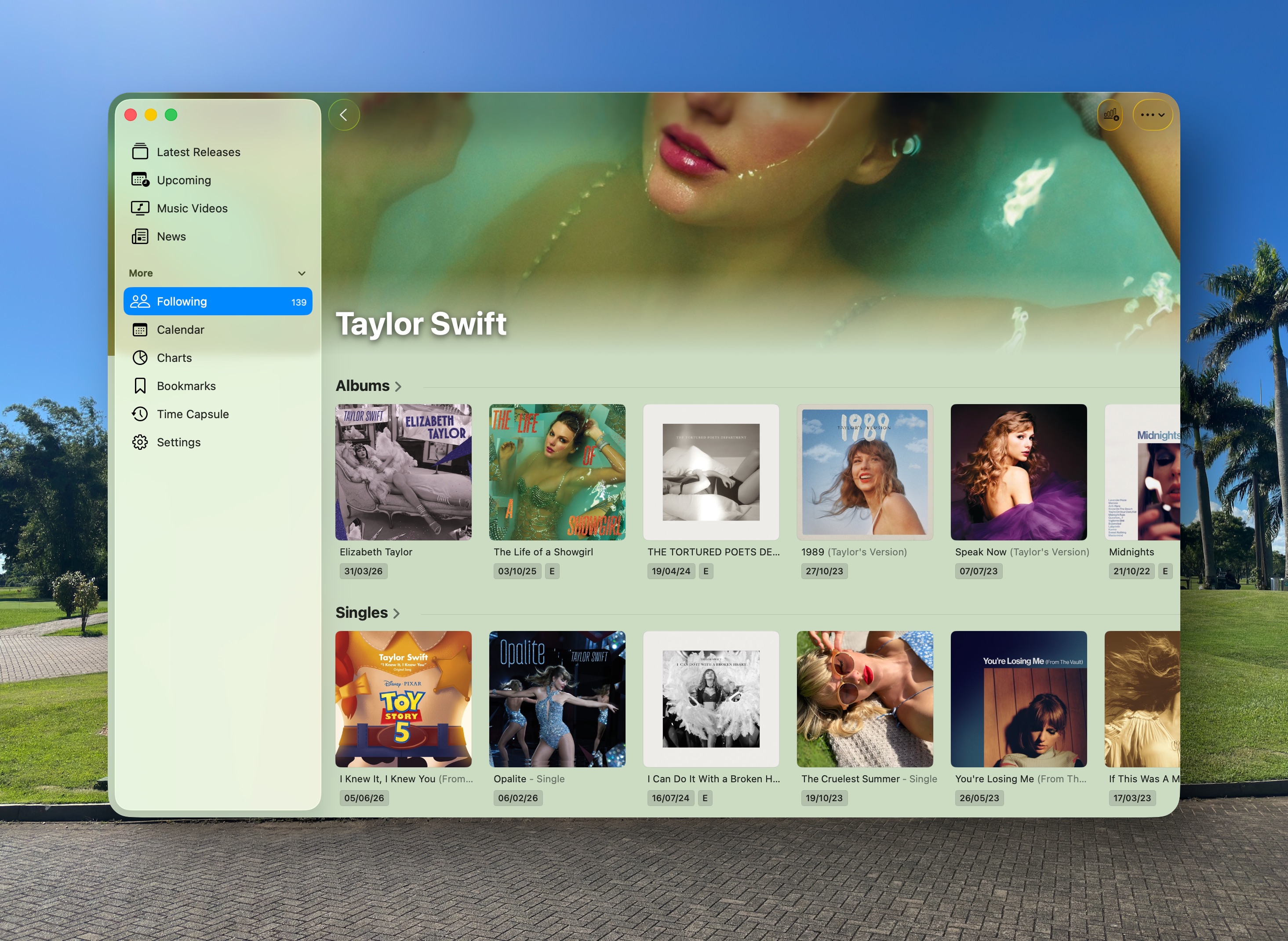
The redesigned artist and album pages bring MusicHarbor’s most beautiful expression of Liquid Glass yet. Rich artwork takes center stage, with translucent controls and fluid layouts that make exploring music feel more immersive. Clearer navigation, easier-to-reach actions, and better use of large displays make the new pages as enjoyable to use as they are to look at.
Foundation Models
Music news moves quickly, and there isn’t always time to read every story. MusicHarbor helps users catch up with concise summaries that highlight the key details, making it easier to decide what deserves a closer read. Whether they have a few minutes between tasks or are catching up on the week’s biggest stories, users can spend less time sorting through headlines and more time exploring the music behind them. With faster, more capable AI powered by Private Cloud Compute, these summaries become even more accurate and fast to generate.
Also, summaries are now generated in the user’s native language, making it easier to follow news from international sources—even when the original article is written in another language
Resizable Windows
MusicHarbor now better adapts to the space available, whether users keep it in a compact window beside another app or expand it to explore their music library. As the window changes size, the interface adjusts to keep content readable and navigation within reach, making it easier to fit MusicHarbor into different workflows and screen sizes.
Extra Large Widgets
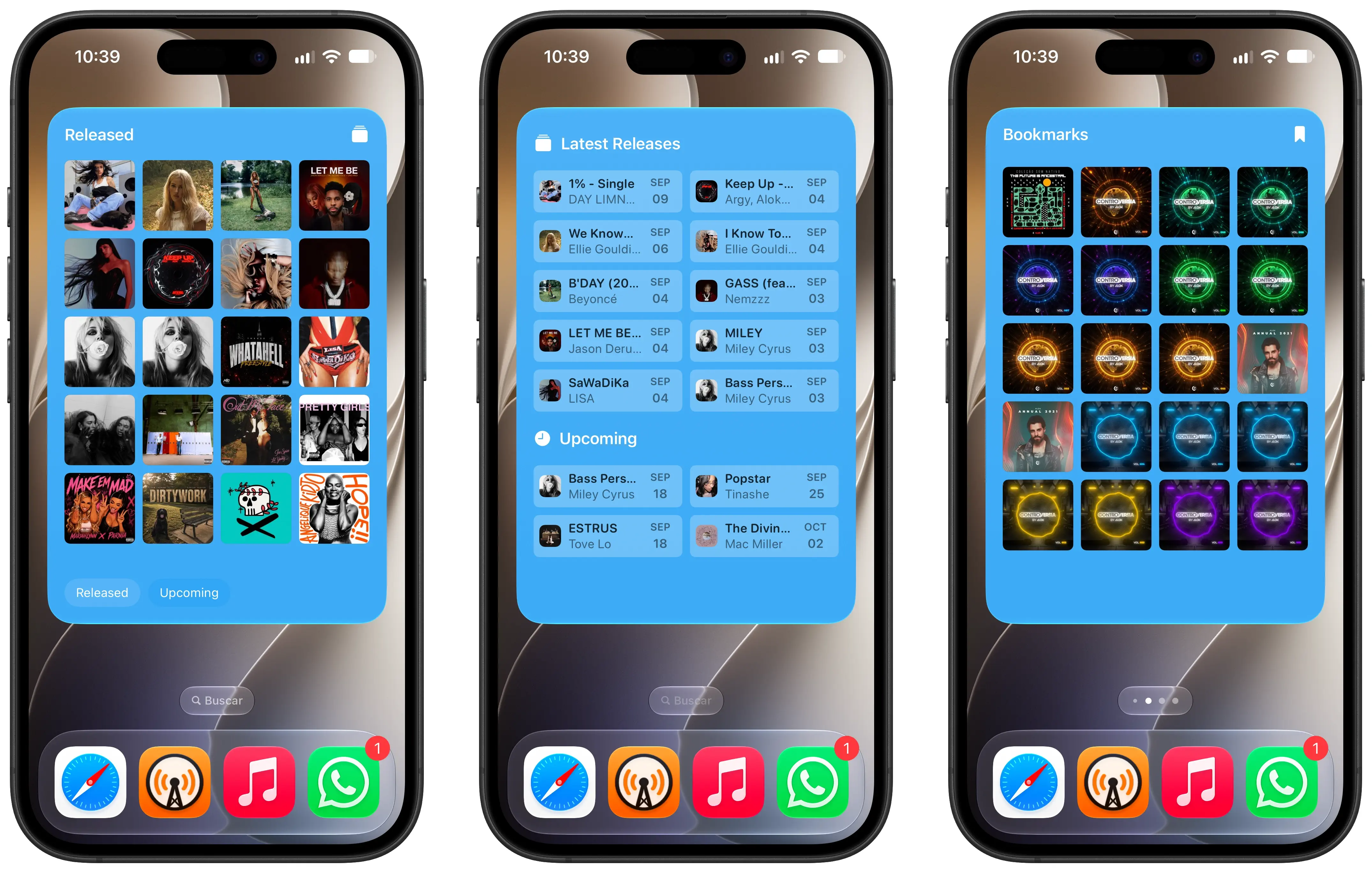
The new extra large portrait widget size give users more room to browse recent releases, revisit bookmarked music, and check their listening statistics at a glance. With more information visible at once, it’s easier to spot something to listen to next without opening MusicHarbor.
Visual Intelligence
Discovering an artist can start with a record in a shop or a CD borrowed from a friend. With Visual Intelligence, users can scan a physical album’s barcode to open the artist in MusicHarbor, explore their releases, and follow them to stay up to date with new music. It’s a simple way to turn a discovery in the physical world into an ongoing connection with an artist.
Together, these updates bring artists, releases, and stories closer to listeners, making MusicHarbor an even more inviting place to discover music and stay connected to it.