
What’s New in Play for iOS, iPadOS, and macOS 27
This release helps users get more from the videos they save, with flexible AI summaries, questions about video contents, and smarter organization. Natural-language Smart Searches make powerful filtering more approachable, while larger widgets bring more saved videos and channel activity to the Home Screen.

Foundation Models
A long video can hold exactly the information someone needs, but finding it takes time. Play helps users get a quick overview, explore a more detailed summary, or ask specific questions about a video’s contents. Now with faster, more capable AI powered by Private Cloud Compute.
Smart Searches offer dozens of ways to find and organize videos, but turning an idea into the right combination of filters can take time. With Describe a Smart Search, users simply explain what they’d like to find in their own words, and Play builds the search for them. It makes one of Play’s most powerful features more approachable, helping users create anything from a simple filter to a detailed search without configuring every attribute by hand.
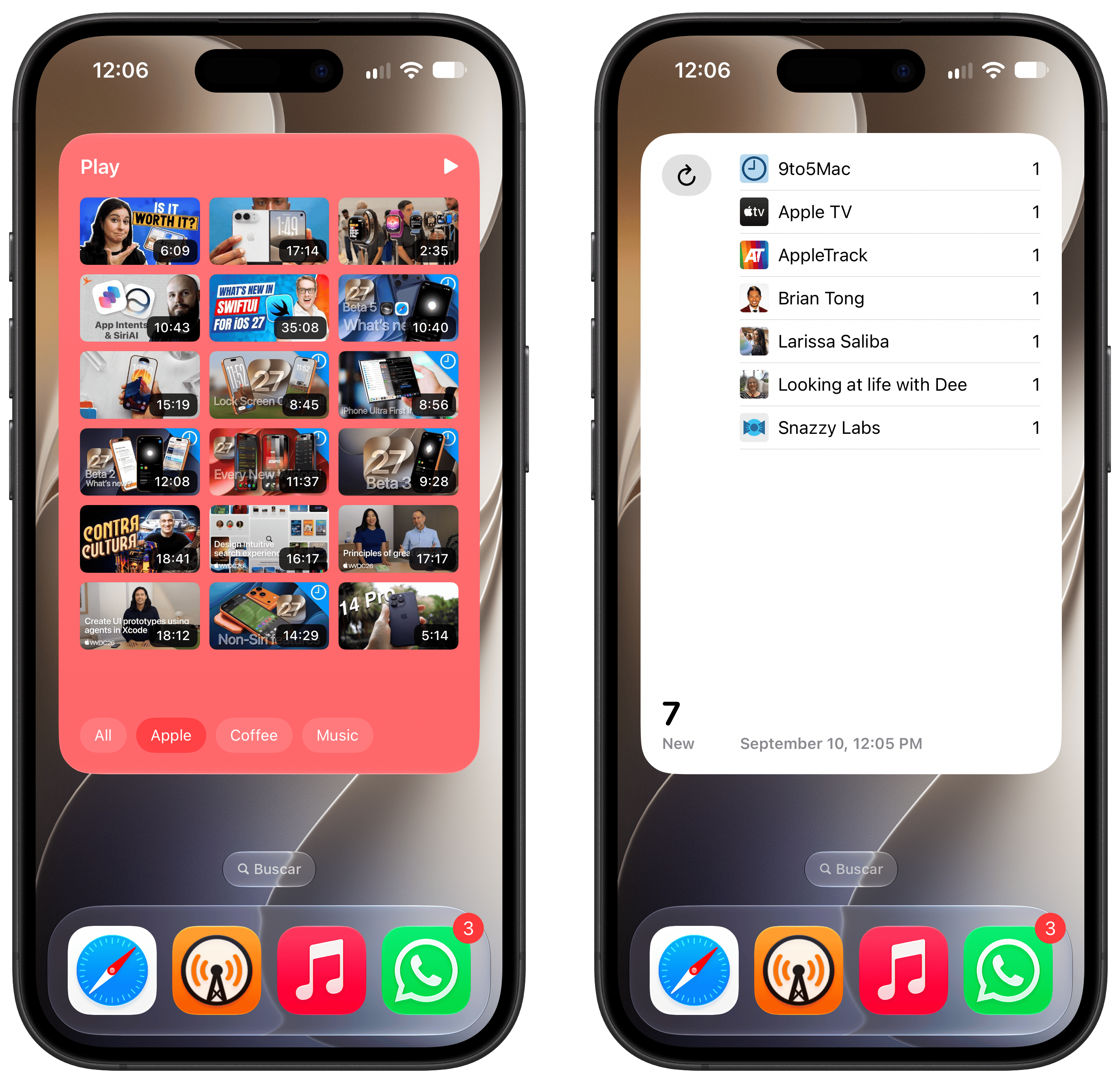
Extra Large Widgets
The new extra large portrait widgets give users more room to browse saved videos and catch up on activity from the channels they follow. With more content visible at a glance, it’s easier to rediscover something saved for later or spot new uploads without opening Play.
From saving something interesting to finding the right moment to watch it, Play makes a growing video library easier to manage, explore, and enjoy.